
Keep the note with the spreadsheet.
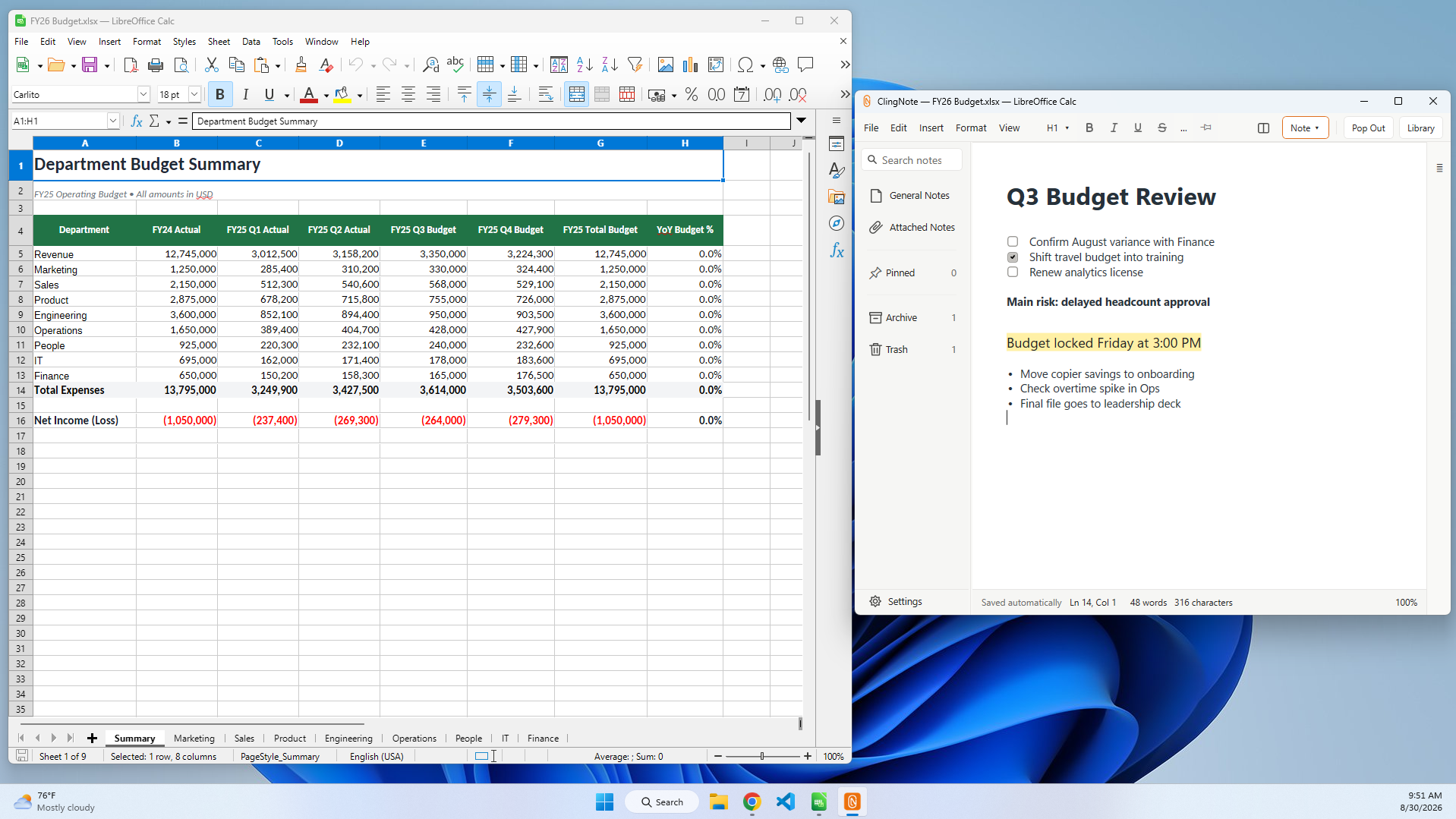
A workbook usually has context that does not belong inside a cell: why a number changed, what still needs checking, who asked for an update, or what to revisit next month. ClingNote gives that workbook its own note and brings it back when you return.
Useful context that does not belong in the workbook
Excel comments and worksheet tabs are useful when the information belongs in the spreadsheet itself. But working notes often sit outside the model: refresh instructions, source-system quirks, assumptions to validate, stakeholder questions, or a reminder about why a formula was changed.
With ClingNote, that context can stay connected to the workbook without adding another hidden sheet or forcing the note into a separate notebook hierarchy.
Good uses for an Excel-attached note
Monthly close checklists, workbook ownership notes, data-source reminders, formula changes, reconciliation questions, model assumptions, handoff notes, and “what I was doing last time” context all fit naturally here.
Common questions
Does ClingNote change the Excel file?
No. The note is stored by ClingNote rather than written into the workbook.
Can one workbook have more than one note?
Yes. A single context can have multiple notes when you want to separate topics such as assumptions, follow-ups, and research.
Do the notes stay local?
ClingNote stores note content locally on your Windows PC.
Keep the note with the work.
ClingNote is free to download and includes a 14-day Pro trial. No card or account is required to try context following.
Free Download — Direct