Notes that follow your work.
Every file, app, and project can have its own note — and ClingNote brings it back when you return. One license also covers ClingNote for Obsidian.
See it work in the apps you already use.
No new filing system to learn. Keep working in the apps you already use and let the note stay with the thing it belongs to.
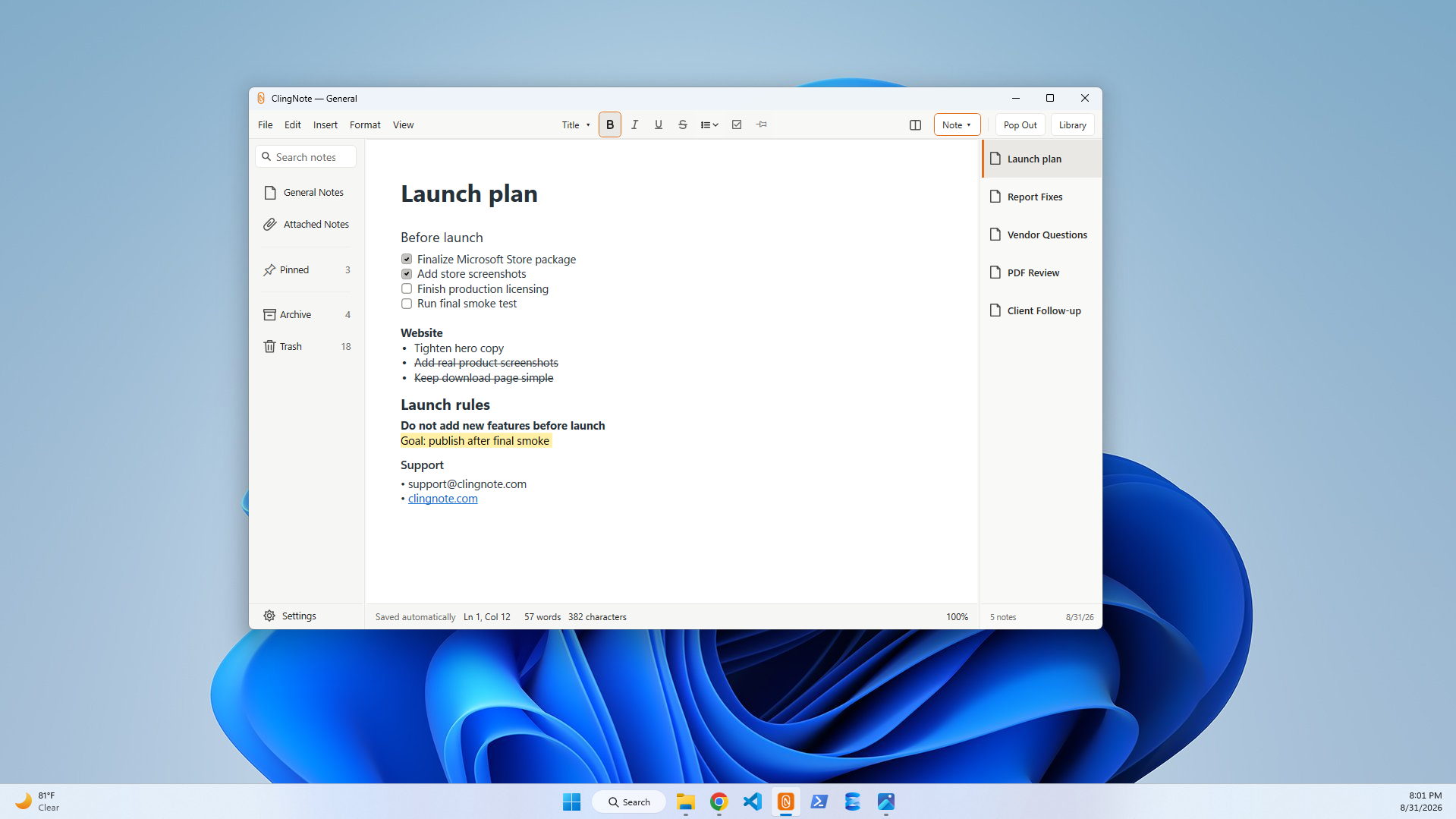
The note changes when the work changes.
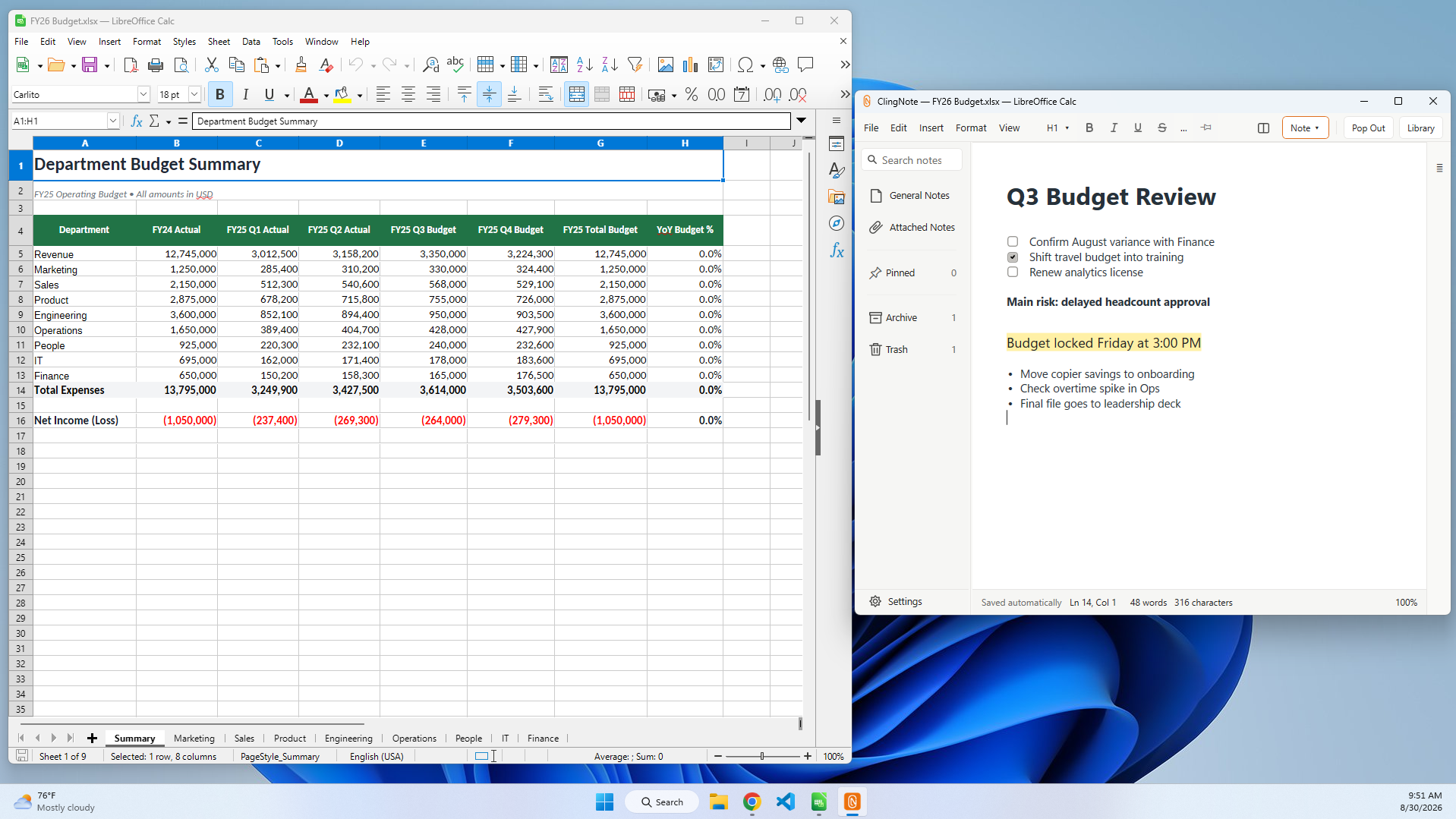
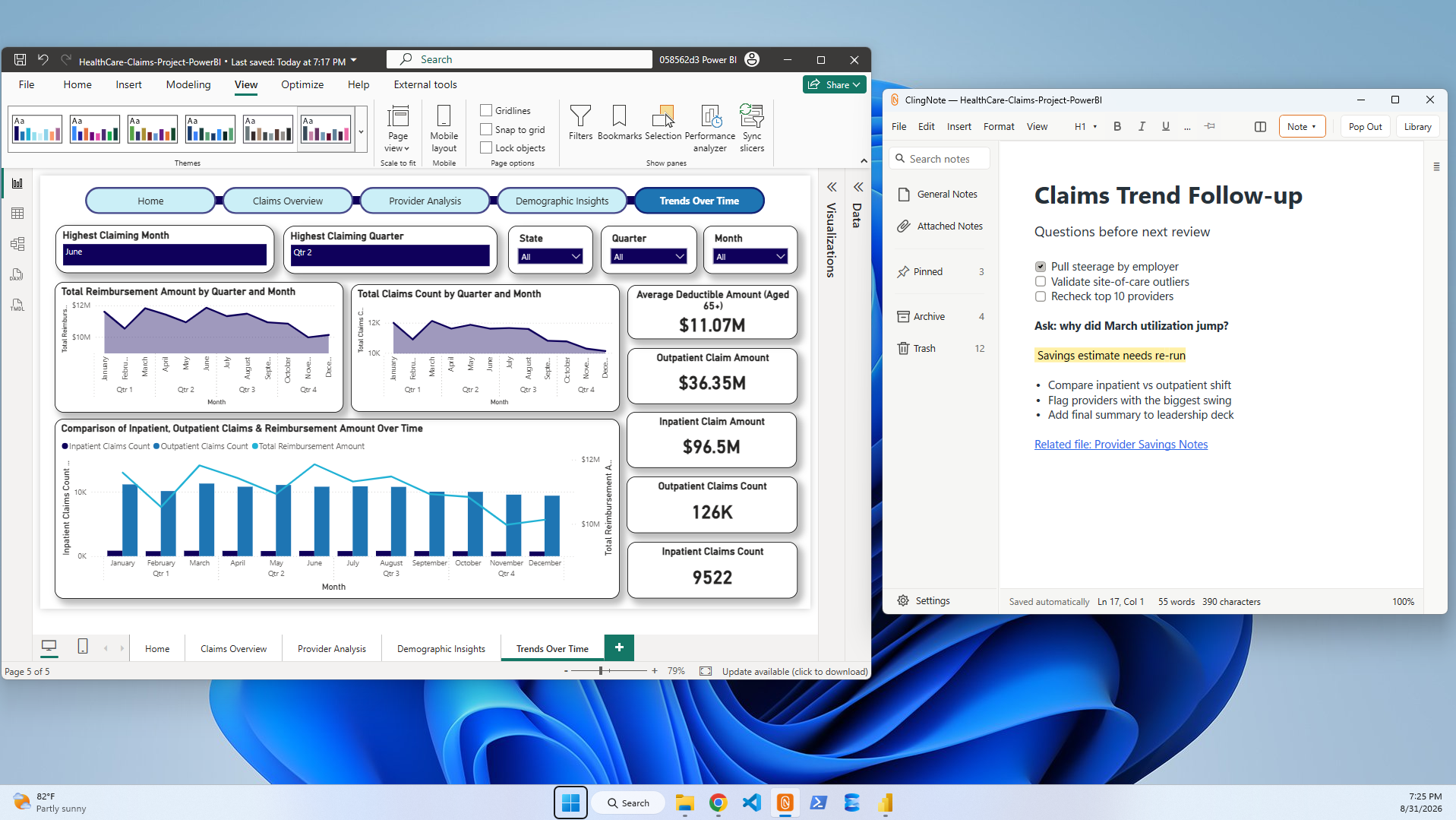
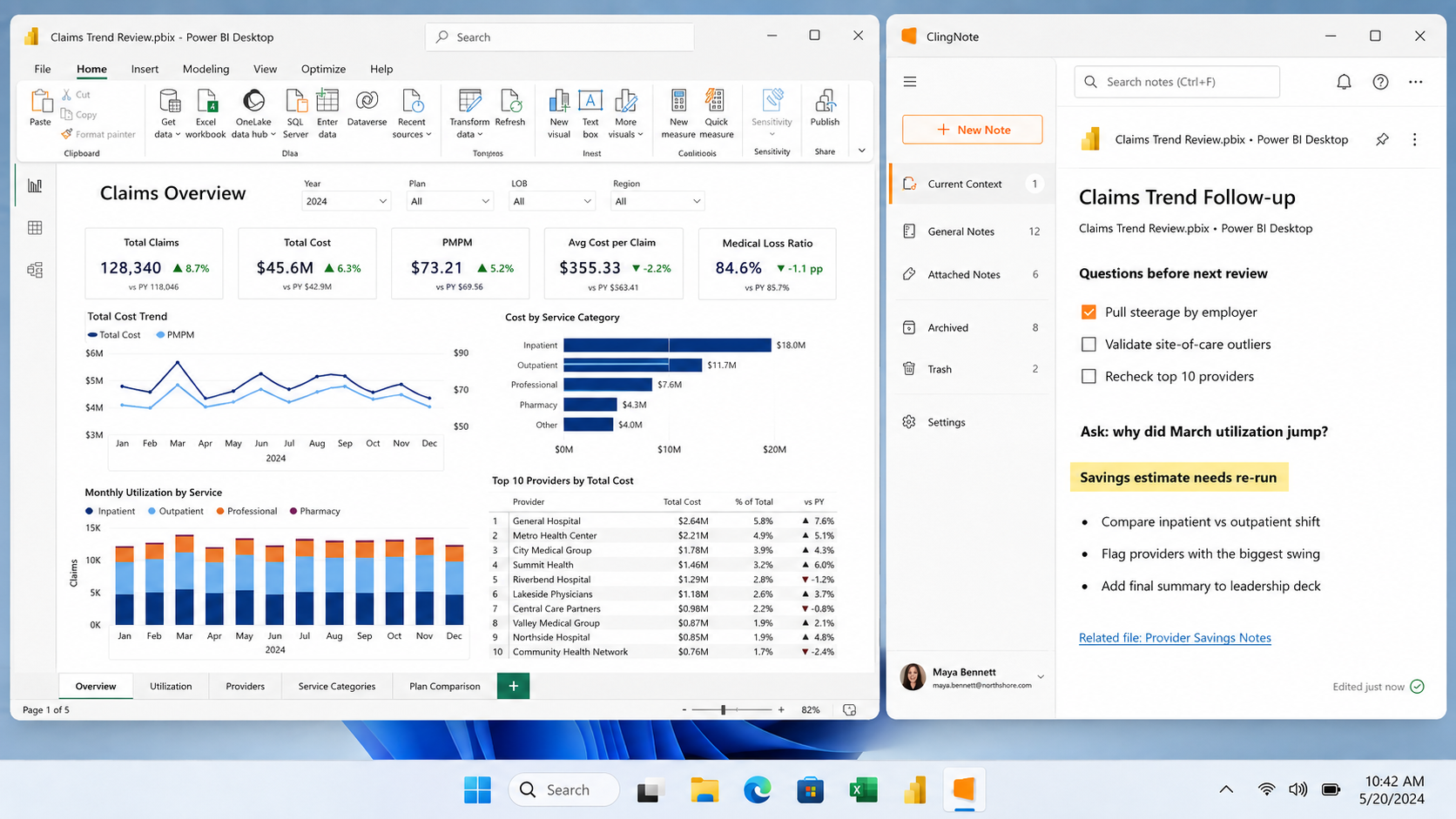
Your budget file can have one note. Your Power BI report can have another. Switch between them and ClingNote brings the relevant context forward.
Keep it small when you only need a thought.
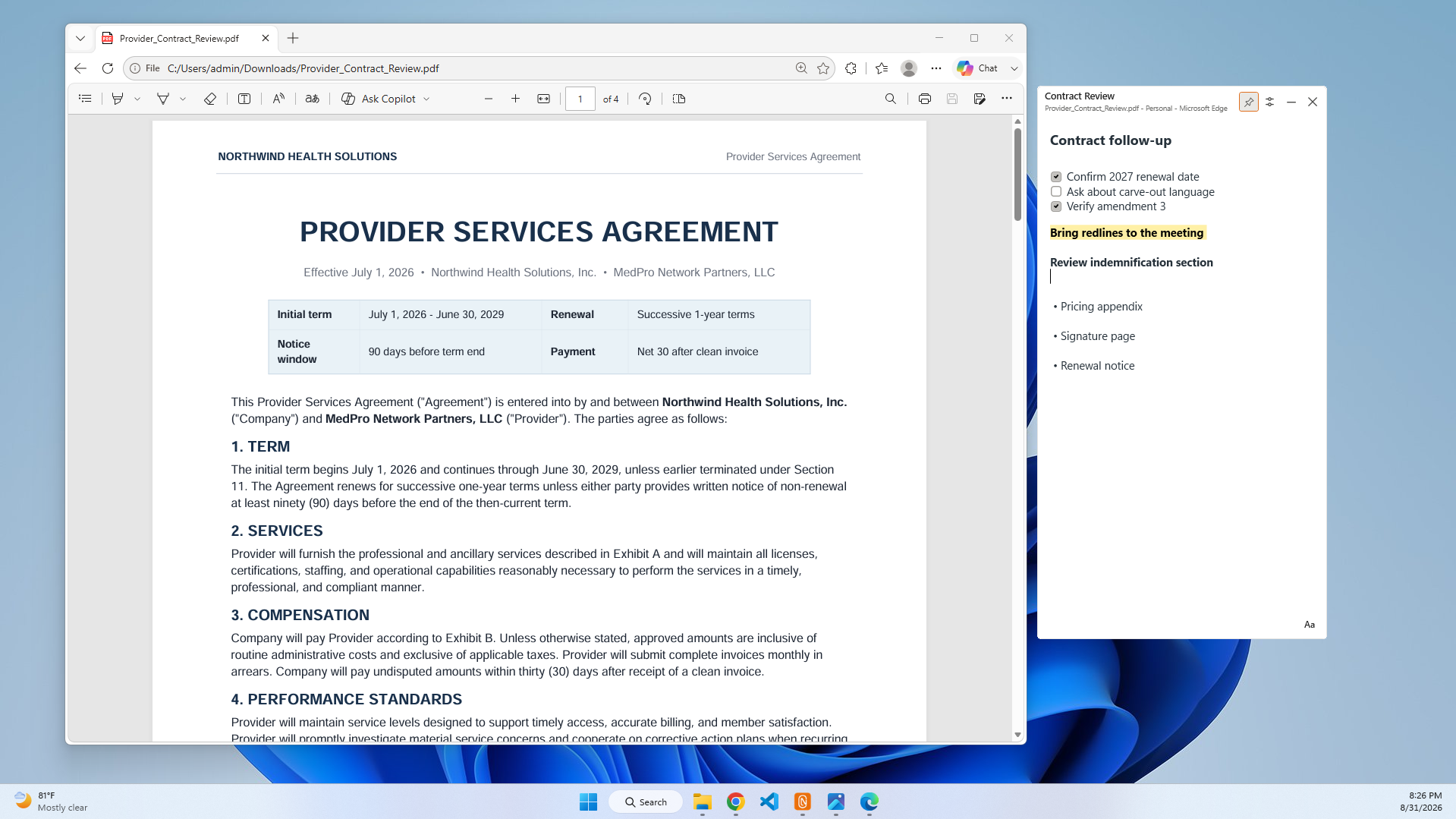
A compact note can sit beside a contract, report, browser page, or document without turning your whole screen into a notes app. Open the full workspace only when you want more room.
Search the note, not your memory.
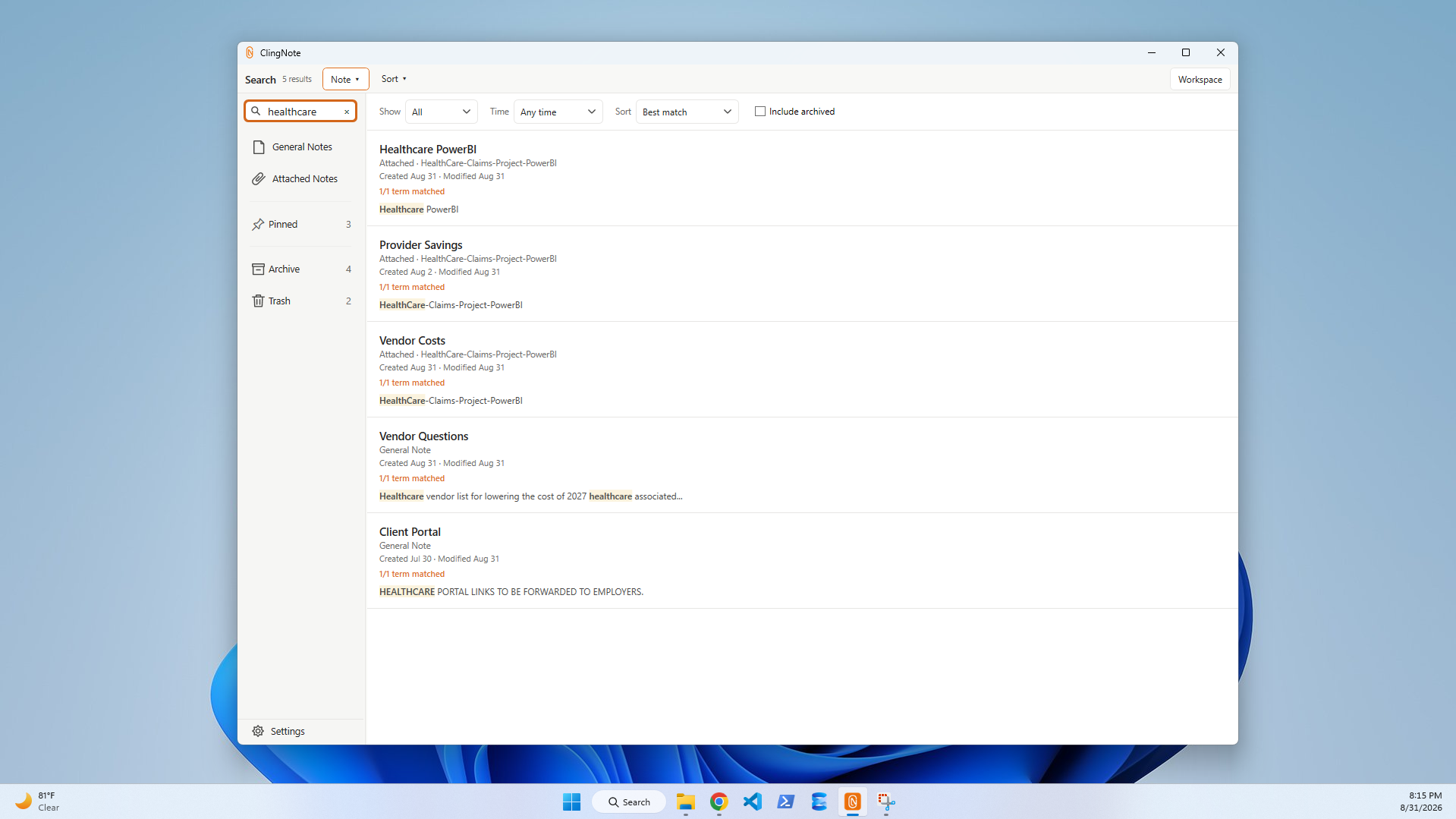
When you no longer remember which file, app, or notebook held the answer, search across note titles and full note content and jump straight back into the context.
Use the workspace when you want the whole picture.
General notes, attached notes, pinned items, archive, search, formatting, checklists, and multiple notes for the same context—without losing the lightweight side-note experience.
Notes that don't need a file.
Keep everyday writing, ideas, checklists, and reference notes in the same app.
Context when it matters.
Give a spreadsheet, report, PDF, browser page, or app the notes that belong specifically to it.
More than one “second page.”
Split risks, research, decisions, or follow-ups into separate notes without losing their shared context.
Not just scratch notes.
ClingNote gives you checklists, headings, bullets, links, highlights, and rich formatting so you can keep full working notes for spreadsheets, PDFs, reports, and project files.
Your notes don't need to become someone else's cloud.
ClingNote stores note content locally on your PC. It can reconnect notes to files, apps, and windows without uploading the contents of those documents.
ClingNote for Obsidian.
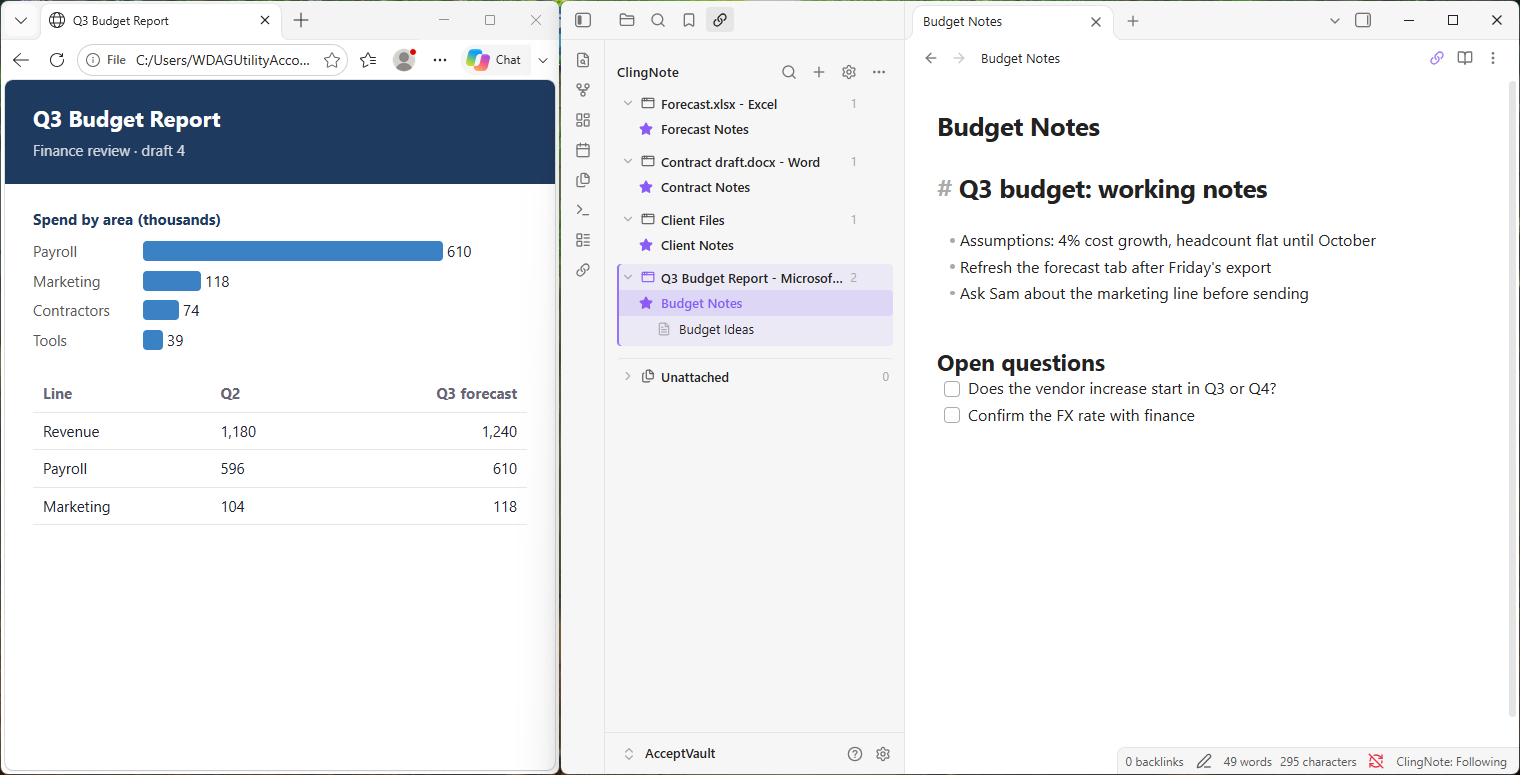
Keep your notes in Obsidian and let ClingNote handle the context. As you move between files, apps, and browser pages in Windows, the Obsidian notes you attached to them come forward — in your own vault, in plain Markdown.
It is the same idea as ClingNote for Windows, for people who already live in Obsidian.
Three steps. No new habits.
Install what you use
ClingNote for Windows, ClingNote for Obsidian, or both. Free to start.
Attach a note to your work
Pick a file, app, or page and give it a note — a standalone ClingNote note or a note in your Obsidian vault.
Switch freely
Open the work again and its note is right there. Switch files and the note switches with you.
Write for free. Pay once for work context.
Free is a complete local notes app. ClingNote Pro is a single $20 payment — no subscription — and covers Windows and Obsidian.
A local notes app you can keep.
- Unlimited General Notes
- Rich text, lists, and checklists
- Full Workspace editor
- Deep full-content search
- Local storage and backup
Context superpowers. Pay once.
- Everything in Free
- ClingNote for Obsidian included
- Attach notes to files, apps, and windows
- Compact Notes that follow your work
- Current Work + multiple context notes
- Remembered context and note state
- 4 activations, any combination
Quick answers.
Does one license really cover both apps?
Yes. ClingNote Pro is one $20 payment and one license key. It works with ClingNote for Windows and ClingNote for Obsidian — you do not buy them separately.
What does “4 activations” mean?
Each install you activate uses one activation. You can spread the four across ClingNote for Windows and ClingNote for Obsidian in any combination. Windows and Obsidian on the same PC use two.
Is it a subscription?
No. It is a one-time payment with lifetime access to ClingNote Pro.
Do I need ClingNote for Windows to use the Obsidian version?
No. You can use either one or both. The same license works for whichever you install.
Where do my notes live?
On your computer. ClingNote notes stay local, and Obsidian notes stay as Markdown files in your own vault.
Stop rebuilding context every time you reopen the work.
Download ClingNote for Windows. Free to start, no account required.
Free Download — Microsoft StoreFree Download — Direct