Keep working notes beside the PDF.
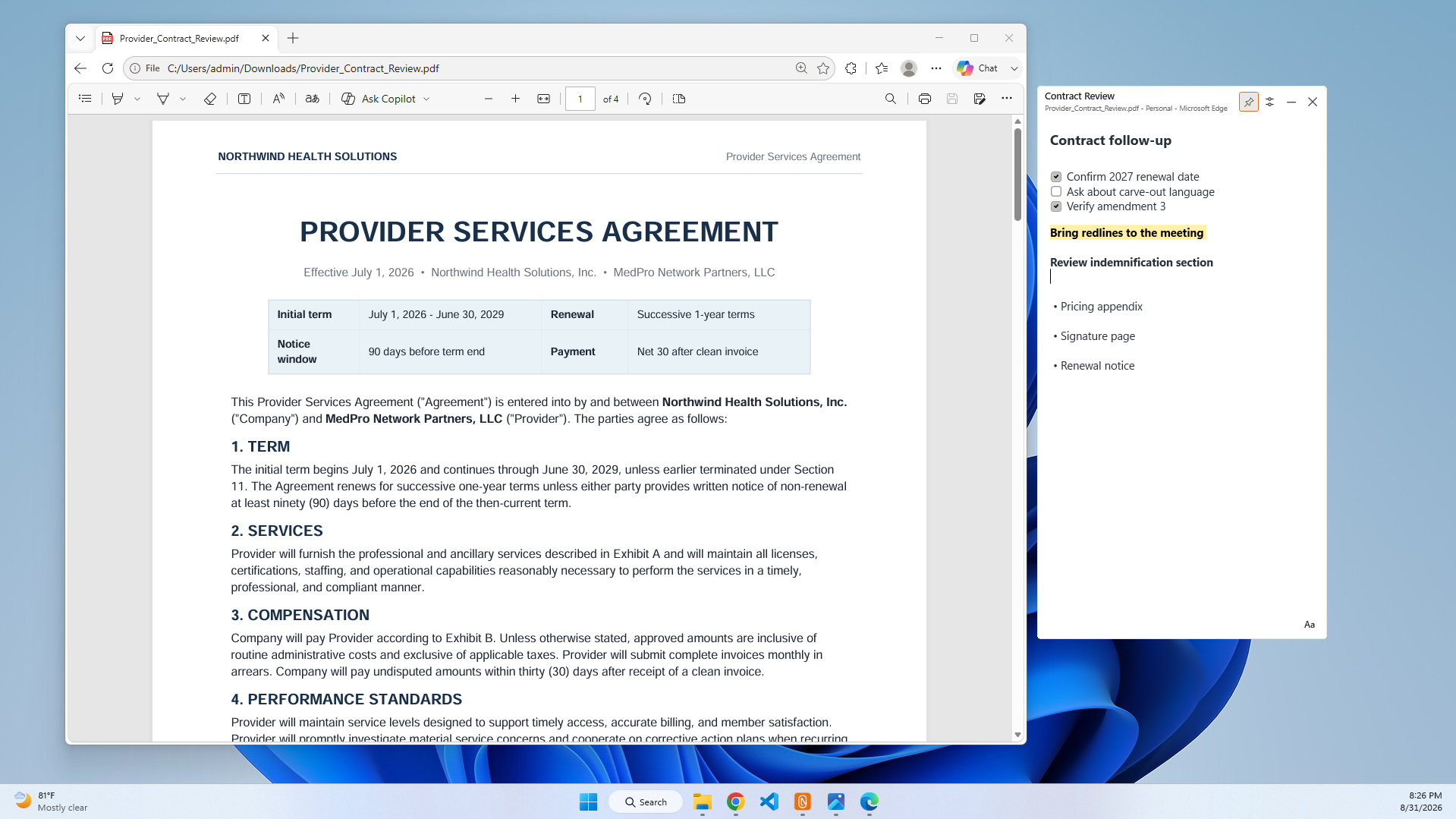
Sometimes you want notes about a PDF without annotating the PDF itself. ClingNote can keep a separate local note connected to the document so review questions, follow-ups, links, and decisions are there when you reopen it.
A second page for the document
PDF annotation is useful when the mark belongs on the document. A separate note is better when the information is personal working context: who needs to review a section, questions to ask later, a summary for yourself, or links to related material.
ClingNote lets the document stay clean while the working context stays close.
Useful PDF workflows
Contract review, policy documents, research papers, manuals, client reports, invoices, project briefs, and any read-only document where you want your own layer of context without modifying the source file.
Common questions
Is ClingNote a PDF editor?
No. ClingNote keeps a separate note connected to the PDF; it does not replace a PDF annotation or editing tool.
Does the PDF get uploaded?
ClingNote does not need to upload the document contents to remember the context.
Can I search the note later?
Yes. ClingNote includes search across note titles and note content.
Keep the note with the work.
ClingNote is free to download and includes a 14-day Pro trial. No card or account is required to try context following.
Free Download — Direct