Keep project memory outside the code.
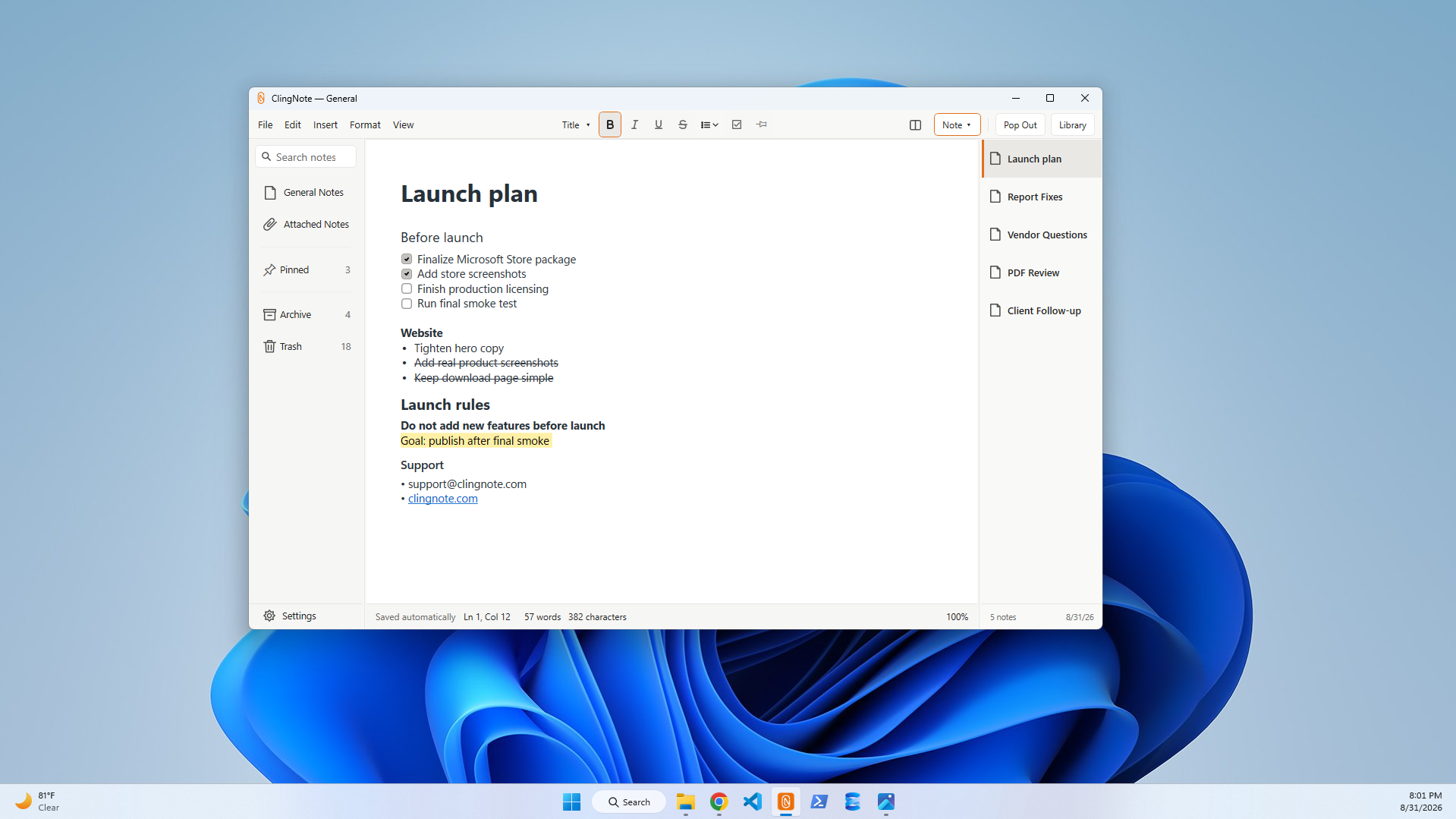
Code comments should explain the code. README files should explain the project. But there is still a layer of personal working context that may not belong in either one. ClingNote gives that context a local place that can follow the project or development window.
Useful for the temporary context that becomes important later
Development work is full of half-finished thoughts: the next test to run, an API behavior you discovered, a deployment step you do not want to forget, a bug hypothesis, or the exact place you stopped before switching tasks.
You can put all of that into a project note without polluting source files or creating another markdown document you then have to remember to open.
Good project-note content
Test steps, commands, local setup notes, deployment reminders, debugging theories, links to issues, architecture questions, release checklists, and “next thing to do” context.
Common questions
Does ClingNote modify my project files?
No. The note is kept by ClingNote rather than inserted into the project.
Is this a replacement for README files or issue trackers?
No. It is useful for personal or local working context that does not belong in shared project documentation.
Does ClingNote require a cloud account?
No account is required to use ClingNote.
Keep the note with the work.
ClingNote is free to download and includes a 14-day Pro trial. No card or account is required to try context following.
Free Download — Direct